Backend Development
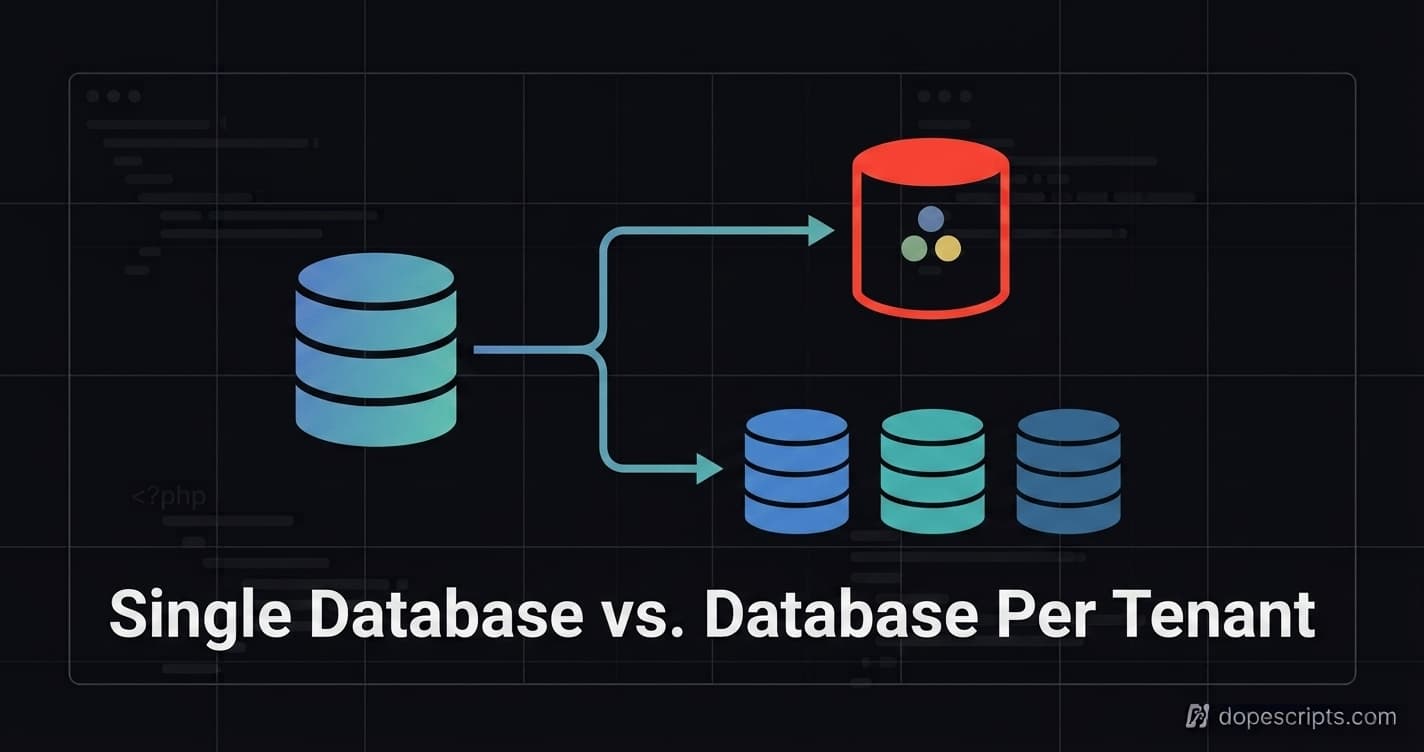
Laravel Multi-Tenancy: Single Database vs. Database Per Tenant
A deep comparison of shared-schema and database-per-tenant architectures in Laravel, isolation, cost, migrations, and how to decide which one fits your SaaS.
Of all the decisions in a Laravel SaaS build, none is harder to reverse later than this one: does every tenant share one database, or does each tenant get their own? Change your queue driver later and it's an afternoon of work. Change your tenancy model after you have real customers and real data, and it's a migration project with a rollback plan and a maintenance window.
This guide isolates that one decision, single database vs. database-per-tenant, and walks through exactly what each one costs you, in engineering time, in infrastructure, and in risk. If you want the fuller picture, including where a hybrid architecture fits in, see our complete Laravel multi-tenancy guide.
Table of Contents#
- The Decision in One Sentence
- 1. Single Database (Shared Schema)
- 2. Database Per Tenant
- 3. Side-by-Side Comparison
- 4. Implementing Single Database in Laravel
- 5. Implementing Database Per Tenant in Laravel
- 6. Migrating From Single DB to Per-Tenant
- Decision Checklist
- FAQ
- Resources
The Decision in One Sentence#
Single database scopes every tenant's rows by a tenant_id column in shared tables. Database-per-tenant gives each tenant a physically separate database, and the application switches connections based on who's logged in. Everything else in this post is really just the consequences of that one choice.
1. Single Database (Shared Schema)#
Every tenant's data lives in the same tables, distinguished only by a tenant_id foreign key. It's the default starting point for most Laravel SaaS products, and for good reason.
Strengths:
- Fastest to build, one set of migrations, one connection, no provisioning step per signup
- Cheapest to run, one database instance serves unlimited tenants until you hit real scale limits
- Cross-tenant analytics and platform admin tooling are trivial
WHERE tenant_id IN (...)queries instead of fan-out queries across databases - Onboarding a new tenant is instant, insert a row, no infrastructure provisioning
Weaknesses:
- Data isolation is enforced by application code, not the database itself, a forgotten
tenant_idscope on one query is a real data leak, not a hypothetical one - Noisy-neighbor risk: one tenant running a heavy report can slow down queries for every other tenant sharing the table
- Per-tenant backup and restore means filtering rows out of a shared dump, not just restoring a file
- Harder to meet enterprise contracts that specifically require physical data isolation or data residency in a particular region
2. Database Per Tenant#
Each tenant gets a dedicated database. The application resolves which tenant is making the request, then switches its database connection accordingly before any query runs.
Strengths:
- Isolation is structural, not conventional, there's no shared table to forget to scope, because there's no shared table
- One tenant's load has no query-level effect on another tenant's database
- Per-tenant backup, restore, and even physical location (for data residency requirements) become straightforward operations on a single database
- Naturally satisfies most enterprise security reviews and compliance checklists that ask "is our data isolated from other customers?"
Weaknesses:
- Every migration has to run against every tenant database, a schema change for 500 tenants is 500 migration runs, not one
- Connection management and pooling get genuinely more complex, especially at higher tenant counts
- Cross-tenant reporting (platform-wide analytics, admin dashboards) requires aggregating across many databases instead of one query
- New tenant onboarding requires actual infrastructure work, creating a database, running migrations, instead of an instant row insert
- Costs scale with tenant count in a way single-DB doesn't, since each database carries its own overhead
3. Side-by-Side Comparison#
| Dimension | Single Database | Database Per Tenant |
|---|---|---|
| Data isolation | Enforced by app code (tenant_id scoping) | Enforced by infrastructure |
| Risk of cross-tenant data leak | Real, one missed scope is enough | Effectively eliminated at the query level |
| Cost at small scale | Lowest | Higher, per-tenant overhead |
| Cost at large scale | Grows with data volume and query load | Grows with tenant count |
| New tenant onboarding | Instant (insert a row) | Requires provisioning (create DB, run migrations) |
| Schema migrations | Run once | Run per tenant |
| Cross-tenant analytics | Simple, single query | Requires fan-out aggregation |
| Noisy-neighbor risk | Real, shared tables | None, isolated by design |
| Compliance / data residency fit | Harder to satisfy | Natural fit |
| Backup/restore for one tenant | Requires filtering | Restore a single file |
4. Implementing Single Database in Laravel#
The core pattern is a global scope that automatically filters every query by the current tenant, so individual controllers and services don't need to remember to add it manually.
// app/Models/Concerns/BelongsToTenant.php

trait BelongsToTenant
{
    protected static function bootBelongsToTenant(): void
    {
        static::addGlobalScope('tenant', function ($query) {
            if ($tenantId = app('currentTenantId')) {
                $query->where('tenant_id', $tenantId);
            }
        });

        static::creating(function ($model) {
            $model->tenant_id = app('currentTenantId');
        });
    }
}
// app/Models/Order.php

class Order extends Model
{
    use BelongsToTenant;
}
// app/Http/Middleware/ResolveTenant.php

class ResolveTenant
{
    public function handle(Request $request, Closure $next)
    {
        $tenantId = auth()->user()->tenant_id;

        app()->instance('currentTenantId', $tenantId);

        return $next($request);
    }
}
With this in place, Order::all() automatically returns only the current tenant's rows, the scoping is centralized in one trait instead of scattered across every query in the codebase.
5. Implementing Database Per Tenant in Laravel#
This is best handled with a dedicated package rather than hand-rolled connection switching, spatie/laravel-multitenancy is the standard choice.
composer require spatie/laravel-multitenancy
php artisan vendor:publish --tag="multitenancy-config"
// config/multitenancy.php

use Spatie\Multitenancy\TenantFinder\DomainTenantFinder;

return [
    'tenant_finder' => DomainTenantFinder::class,
    'tenant_model' => \App\Models\Tenant::class,
    'switch_tenant_tasks' => [
        \Spatie\Multitenancy\Tasks\SwitchTenantDatabaseTask::class,
    ],
];
// Applying tenant resolution to routes

Route::middleware([
    \Spatie\Multitenancy\Http\Middleware\NeedsTenant::class,
])->group(function () {
    Route::get('/orders', OrderController::class);
});
Once the middleware resolves the tenant and switches the connection, Order::all() in a controller queries the correct tenant database automatically, no tenant_id column or global scope required, because isolation happens at the connection level.
6. Migrating From Single DB to Per-Tenant#
If you started single-DB (the right call for most early-stage products) and have now outgrown it, the migration is tractable if your schema was disciplined from the start:
- Confirm every tenant-owned table already has a
tenant_idcolumn. This is what makes extraction possible without a data-modeling rewrite. - Stand up the new per-tenant infrastructure alongside the old single DB, don't attempt a big-bang cutover.
- Migrate tenants in batches, extracting each tenant's rows into their own new database, verifying row counts match before cutting that tenant over.
- Keep the single-DB code path working during the transition, some tenants will be on the old model, some on the new, until migration completes.
- Cut over reads first, then writes, per tenant, so you can roll back an individual tenant if something looks wrong before touching the next one.
This is meaningfully easier than migrating in the other direction (per-tenant back to single-DB), which is one of the strongest arguments for starting single-DB by default, it's the more reversible choice.
Decision Checklist#
- Do you have an actual (not hypothetical) compliance or contractual requirement for physical data isolation? → leans per-tenant
- Is your team small and shipping speed the top priority right now? → leans single-DB
- Do you expect tenant count to stay in the dozens-to-low-hundreds rather than thousands? → either works, but per-tenant overhead is more manageable
- Does your product do heavy cross-tenant analytics or platform-wide reporting? → leans single-DB
- Have you already designed every tenant-owned table with a
tenant_idcolumn, regardless of which model you pick? → do this either way, it's what keeps your options open - Do you have the operational maturity (or automation) to run migrations across many databases reliably? → required for per-tenant at scale
FAQ#
Can I run both models at once, some tenants shared, some isolated? Yes, and it's a legitimate hybrid pattern for SaaS products with a mix of small customers and large enterprise accounts. Most tenants stay on the cheaper shared schema; a customer with specific isolation requirements gets provisioned their own database. This requires your application to be tenant-aware regardless of which model a given tenant is on. For a full walkthrough of the hybrid architecture (shared landlord database plus isolated tenant databases) and how to implement it with Spatie's package, see our Laravel multi-tenancy guide.
Which model is easier to test?
Single-DB is generally easier to test in CI, since your test database only needs one schema and seeding multiple tenants is just inserting rows with different tenant_id values. Database-per-tenant testing needs to verify connection-switching logic works correctly, which is a slightly heavier test setup.
Does database-per-tenant mean better performance automatically? Not by default, it means isolated performance, so one tenant's load can't degrade another's. A single well-indexed shared database can outperform poorly-managed per-tenant databases at moderate scale. The performance benefit of per-tenant is about eliminating noisy-neighbor risk, not raw speed.